Residential contractor reviewing project plans beside a renovated home, with editorial text introducing the ChatGPT for Residential Construction Collection for change orders, estimates, and e-sign proposals. Shown in PDF as a representative output—not a guaranteed unreviewed result.
Three contractor-first prompts for visual change orders, source-traceable estimates, and e-sign-ready proposals from simple residential project photos or plans.
Includes 3 prompt systems. Future collection additions are included for active collection entitlements.
Residential Construction · General Contracting · Remodeling · Estimating · Project Management
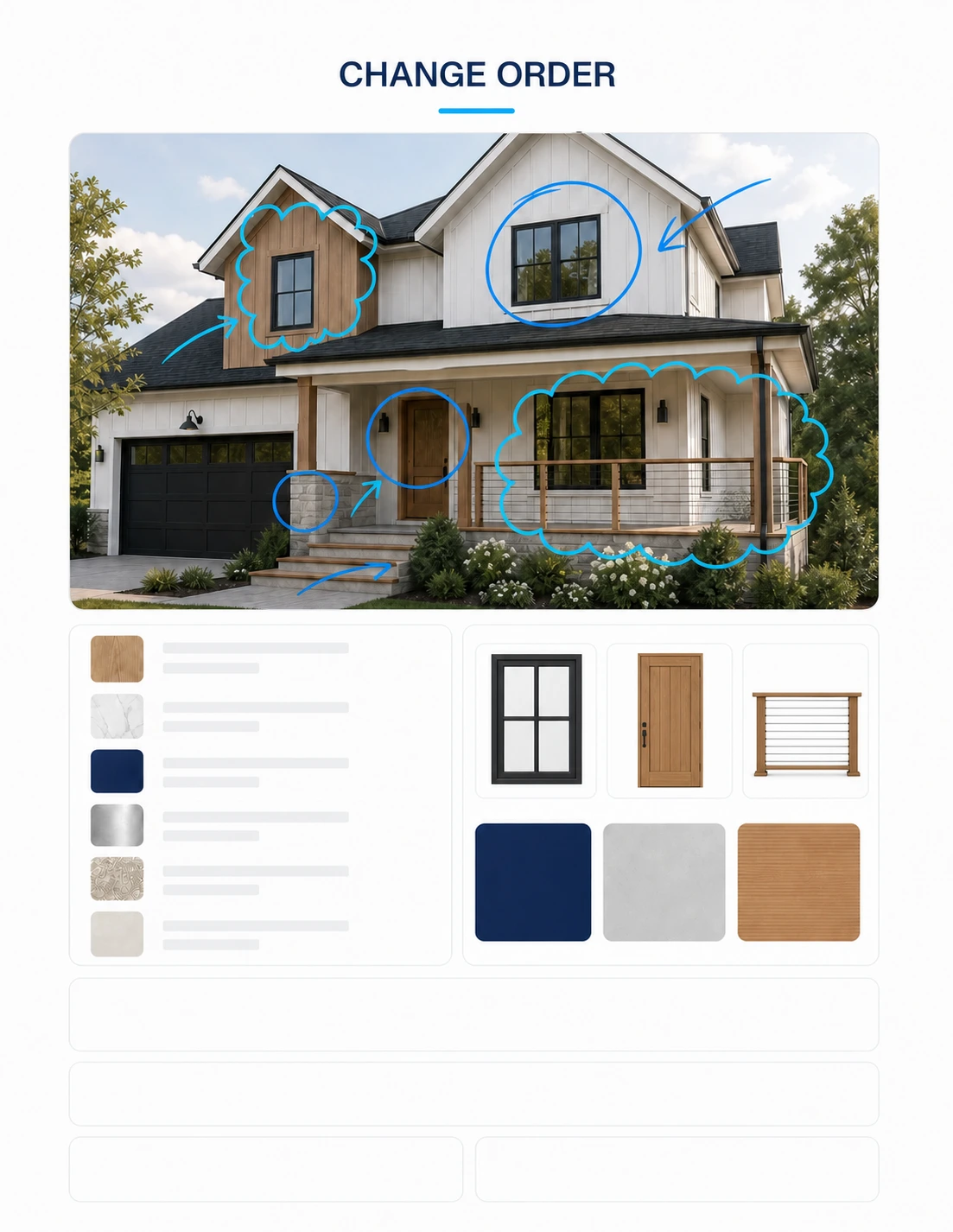
Help a residential contractor create a change order with source-faithful before/after visuals, conceptual details, and a cost/schedule delta.
What it produces
Three contractor-first prompts that turn simple residential project photos or plans into reviewed change orders, estimates, and e-sign-ready visual proposals.
Three independent prompt systems producing PDF and editable residential change orders, estimates, e-sign-ready proposals, generated renders, annotated conceptual details, and audit/preflight records
CWChatGPT Work mode
GIGPT Image 2
PPDF
HHTML
C/CSV / XLSX
Compatibility tested Aug 2026
What you provide
Project-specific visual reference · required Photo, plan, sketch, drawing, or PDF page
Residential scope and protected conditions · required Text, markups, estimate, proposal, or change summary
Commercial and schedule inputs · optional Rates, quantities, tax, markup, allowances, contingency, options, dates, and terms
Named contractor-side reviewer · required General contractor, remodeler, estimator, project manager, business owner, or legal reviewer as applicable
Review boundary
This workflow prepares editable residential contractor documentation from buyer-supplied information. It does not inspect the site, verify hidden conditions, establish legal terms, execute an agreement, certify a quantity takeoff, guarantee price or schedule, confirm code or permit requirements, or replace review by the contractor, estimator, project manager, lawyer, engineer, or other qualified project participant. Keep assumptions visible. A named contractor-side reviewer must approve scope, quantities, rates, taxes, markups, schedule, terms, images, and final issue status before the package is sent or relied upon.
01
Input → method → output
The public process and a redacted example are visible before purchase.
How to install
Purchase the Prompt, add its file to ChatGPT, enter your project-specific instruction, and review the result in PDF.
Purchase the Prompt, add its file to ChatGPT, enter a sample instruction, and review the generated PDF deliverable.
1Purchase the Prompt
ChatGPT for Residential Construction Collection Architecture Prompt
CA$79.99
Three contractor-first prompts for visual change orders, source-traceable estimates, and e-sign-ready proposals from simple residential project photos or plans.
ArchitectureInstant access New listing
Checking purchase status
2Add it, then prompt
ChatGPT
Message ChatGPT WORKFLOW.mdPrepare a chatgpt for residential construction collection from the attached project brief.GPT-5
Project-specific visual reference + Residential scope and protected conditions + Commercial and schedule inputs + Named contractor-side reviewer
PROCESS PREVIEW
5 controlled steps with quality checks
EXPECTED OUTPUT
Three independent prompt systems producing PDF and editable residential change orders, estimates, e-sign-ready proposals, generated renders, annotated conceptual details, and audit/preflight records
Redacted output preview
ChatGPT for Residential Construction Collection
3 contractor prompts · photo/plan to client-ready documents
Standalone prompts
3 linked listings
Minimum input
1 project visual
Standalone price
CA$32.99 each
Change
Matched existing/proposed visuals, conceptual details, and a traceable scope, cost, and schedule delta.
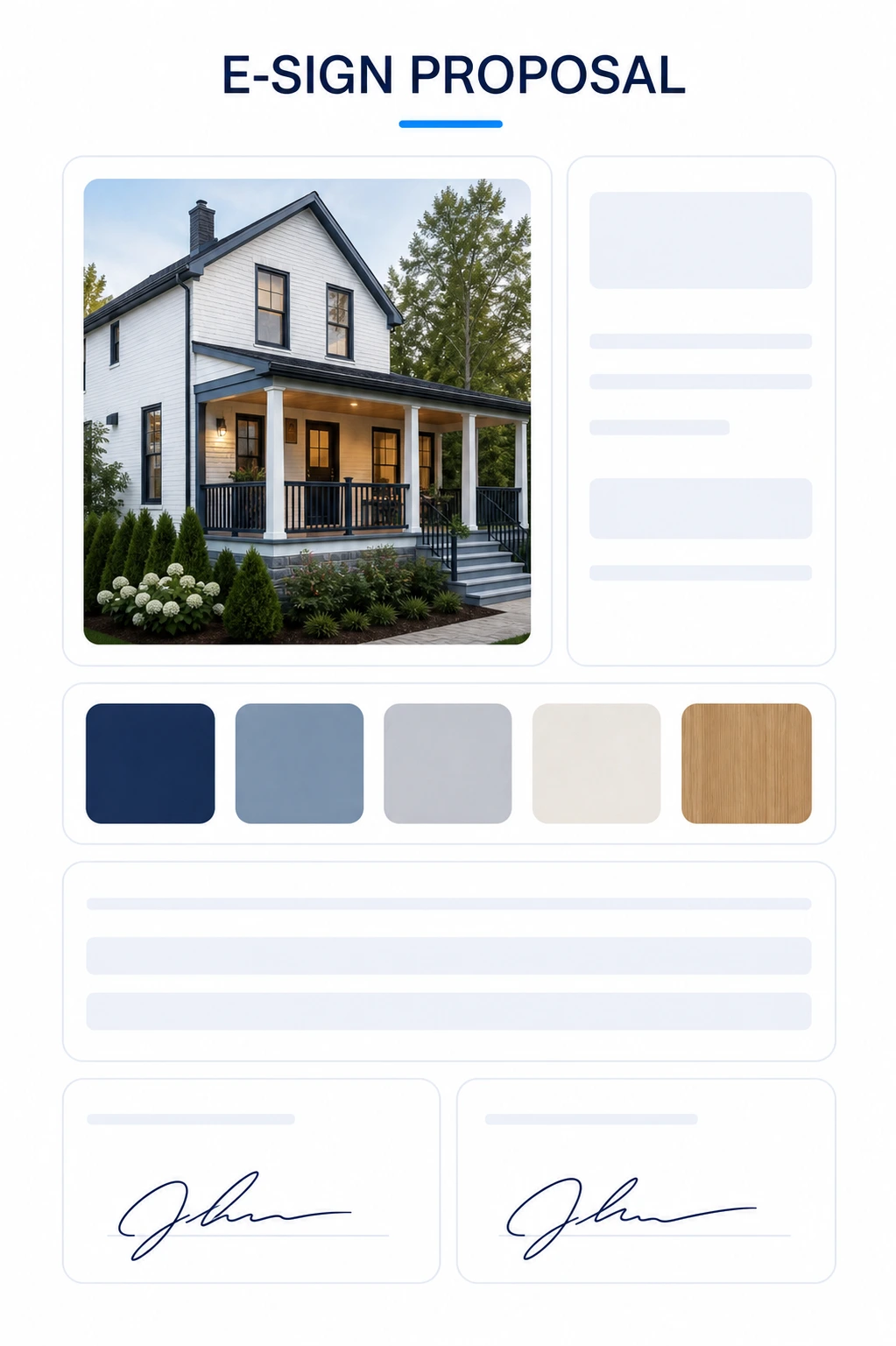
A polished visual proposal, signature-field map, and e-sign preflight without platform lock-in or claimed execution.
Expected draft outputs — verify project facts, dimensions, quantities, rates, terms, schedule, and visuals before client issue.
02
What it does
ChatGPT for Residential Construction Collection contains three linked, independently runnable prompt systems built for residential contractors and remodelers handling change orders, estimates, and e-sign-ready proposals. Each accepts ordinary project photos or plans, stops when no usable visual reference exists, separates observed facts from assumptions, invokes reference-grounded image generation, and creates editable project documents with explicit contractor-review gates. The change-order system produces matched before/after visuals, conceptual details, and a cost/schedule delta. The estimate system produces source-traceable quantities and rates, scope visuals, a proposed render, conceptual details, and an editable estimate. The proposal system packages reviewed scope and pricing into a visual client proposal with mapped signature fields without claiming to transmit or execute it.
Three contractor-first prompts that turn simple residential project photos or plans into reviewed change orders, estimates, and e-sign-ready visual proposals.
Designed for
Help a residential contractor create a change order with source-faithful before/after visuals, conceptual details, and a cost/schedule delta.
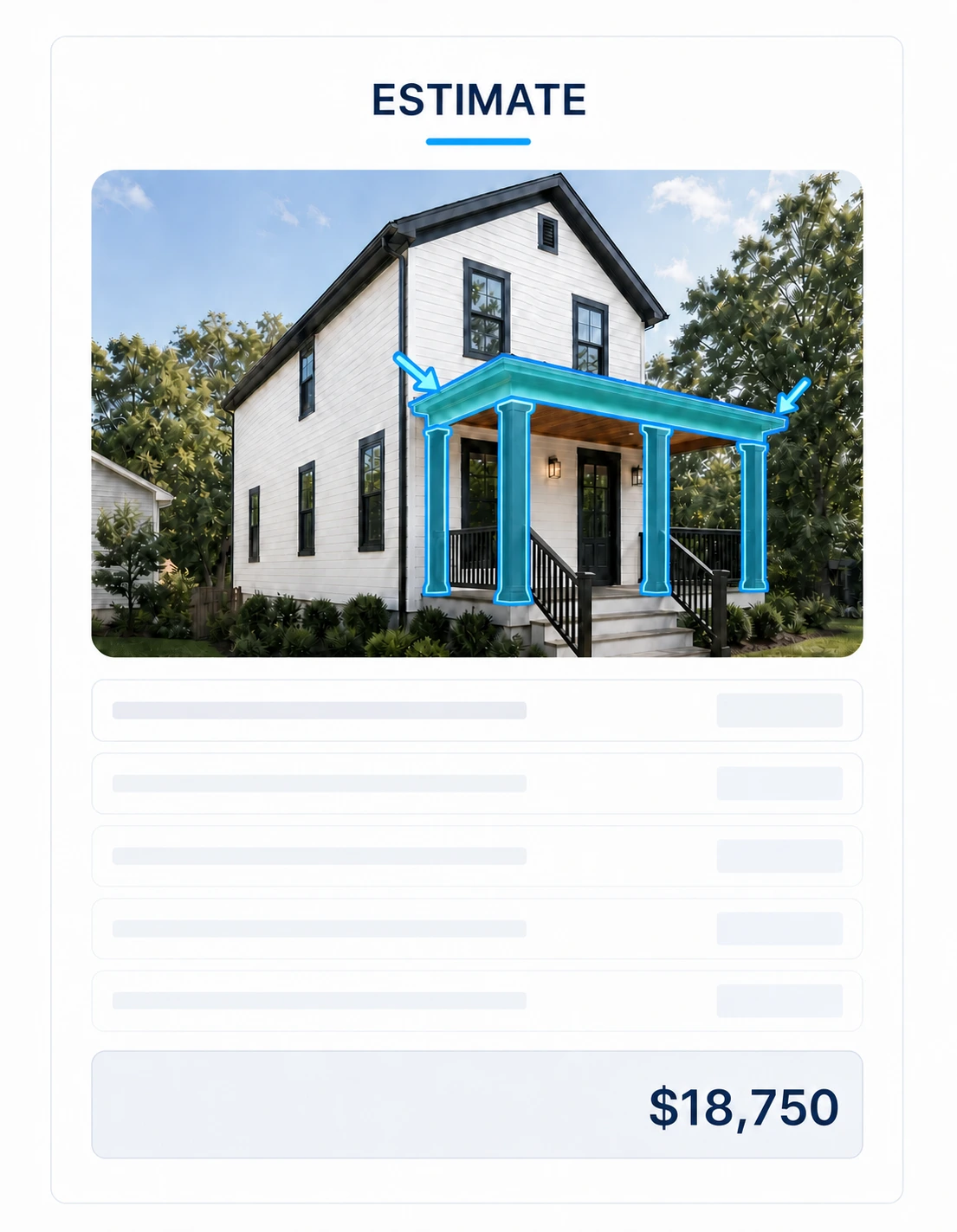
Help a contractor build a transparent residential estimate and proposed render from simple photos, plans, sketches, drawings, or PDF pages.
Help a contractor package reviewed residential scope and pricing into a polished proposal with mapped signature fields for a chosen e-sign service.
03
Included files + delivery
README.mdMarkdownSetup, use, and professional boundary
COLLECTION-PROMPT.mdMarkdownPrimary workflow entry point
Delivered as a versioned ZIP package. After verified payment, the exact purchased version is available through the buyer's private Library.
04
Prompt steps
01
1. Choose one residential task
Open the change-order, estimate, or proposal child prompt matching the immediate need.
02
2. Attach project visuals
Supply at least one readable project photo, plan, sketch, drawing, or PDF page; simple phone photos are accepted.
03
3. Complete project and commercial inputs
Provide the available scope, protected conditions, dimensions, rates, schedule, options, terms, and review owner.
04
4. Generate and inspect files
Let the prompt invoke image generation, create its documents, reconcile sources and arithmetic, and correct failed checks.
05
5. Human review before issue
The named reviewer verifies project facts, dimensions, scope, prices, terms, schedule, and visuals before sending or relying on anything.
05
Limitations + professional safety
Medium risk · human review required
This workflow prepares editable residential contractor documentation from buyer-supplied information. It does not inspect the site, verify hidden conditions, establish legal terms, execute an agreement, certify a quantity takeoff, guarantee price or schedule, confirm code or permit requirements, or replace review by the contractor, estimator, project manager, lawyer, engineer, or other qualified project participant. Keep assumptions visible. A named contractor-side reviewer must approve scope, quantities, rates, taxes, markups, schedule, terms, images, and final issue status before the package is sent or relied upon.
Jurisdiction: Global — buyer must adapt prices, taxes, contract terms, permits, and professional requirements locally
Known limitations
Requires at least one usable buyer-supplied project visual and a compatible image-generation/file-creation mode.
Unscaled or incomplete references cannot support exact dimensions, certified takeoffs, hidden-condition findings, or construction-document certainty.
Rates remain buyer-supplied or clearly labelled editable allowances; the package does not guarantee local pricing, total cost, or schedule.
Generated renders and details are conceptual and require comparison with project documents and site conditions.
The e-sign workflow prepares files and fields only; it does not send, sign, execute, or track agreements.
06
Security + quality
Declared permissions
The buyer controls and authorizes all project visuals and commercial information supplied to the model.
No external upload, message, signature, agreement execution, or publication occurs without a separate buyer action.
Completion checks
Every child is independently runnable and begins with the same mandatory visual-reference gate.
Image generation creates files tied to the supplied residence; prose-only image prompts do not satisfy the output contract.
Observed facts, buyer statements, inferences, allowances, and unknowns remain distinguishable.
Quantities and rates retain a visible basis, arithmetic is traceable, and false precision is rejected.
E-sign fields are prepared without claiming transmission, signature, execution, or tracking.
All files remain drafts until the named human reviewer approves them for issue.
Package structure reviewedVersion 1.0.0Tested Aug 2026
07
Install + use
01
Download
Receive the immutable versioned ZIP package.
02
Read
Open SKILL.md or the named Prompt entry point.
03
Prepare
Collect required inputs and remove sensitive data.
04
Run + review
Execute in a tested tool, then complete human review.
08
Reviews + trust
No public reviews yet
Synthetic ratings and review counts are not displayed.
Yes. Every prompt accepts simple project photos as its minimum visual reference. Unscaled images remain range- or allowance-based until a reliable dimension is supplied.
Does the package actually generate the renders?
Yes, in a compatible multimodal mode. Each child explicitly invokes the available image-generation tool and stops if that required visual capability is unavailable.
Does the estimate provide guaranteed local prices?
No. It uses buyer-supplied verified rates or clearly labelled editable allowances, shows quantity and rate basis, and requires estimator review.
Does the proposal send or legally execute an e-sign agreement?
No. It prepares a proposal and stable signature-field map for the buyer's chosen e-sign service. Uploading, sending, signing, execution, and tracking remain outside the prompt.
Does this collection require another construction-AI service?
No. The collection is independently authored and runs directly in the compatible multimodal workspace described above.
Support
Package support covers prompt setup, variables, routing, and documented output structure. It does not include site measurement, estimating services, legal review, engineering, permit review, e-sign vendor support, or project approval.
Latest changelog
v1.0.0 — Three original residential visual-document prompt systems for change orders, estimates, and e-sign-ready proposals.
Updated Aug 21, 2026
Global — buyer must adapt prices, taxes, contract terms, permits, and professional requirements locally
Related guidance
Evaluate the method before you use it.
Read the relevant evidence and professional-boundary guidance for this Prompt and its task area.
How contractors can combine a project markup, matching materials, itemized scope, price delta, schedule effect, and approval record in one change order.