How to prepare a residential proposal for e-signature
A clean contractor workflow for producing a client-readable proposal PDF with aligned scope, price, terms, and signature fields.
Direct answer
Answer
An e-sign-ready residential proposal is a clean draft PDF containing project identity, scope, price, allowances, exclusions, schedule assumptions, payment terms, acceptance language, and signature fields before it is uploaded to the contractor's chosen signature service.
01
Build a proposal, not a brochure
Use a simple editorial document structure: project and parties, proposal summary, scope, materials or options, price, schedule, terms, and acceptance. The first page should identify the work and total without forcing the client to decode a marketing layout.
Project imagery may support the scope, but it should not displace the information the client is being asked to accept.
02
Keep scope and price aligned
Write the scope as observable inclusions and exclusions. Separate base work, options, allowances, and owner-supplied items. Match every price to a scope item or clearly labelled group.
- — Base scope
- — Options and allowances
- — Exclusions
- — Payment schedule
- — Price validity and schedule assumptions
03
Prepare the signature page
Create labelled signature blocks for the parties, dates, and acceptance state. Leave enough space for the e-sign platform to place fields without covering the proposal text.
04
Review before sending
Review names, addresses, totals, taxes, payment milestones, change procedure, warranty language, insurance references, and local requirements before upload. The signature provider handles identity, delivery, and audit records; preserve its completion certificate with the signed proposal.
REVIEW BEFORE USE
Known limitations
- The Prompt prepares a draft document; it does not authenticate signers, execute signatures, or provide an e-signature certificate.
- Contract language, consumer-protection requirements, cancellation rights, and enforceability require local review.
These guides support Prompt evaluation and do not replace project-specific advice, code interpretation, consultant coordination, or qualified professional review.
Reviewed by archiPrompt Studio · Editorial + product review
RELATED ARCHITECTURE PRODUCTS
Put this article into practice
Construction administration Prompt
ChatGPT for Residential Construction — E-Sign Proposals
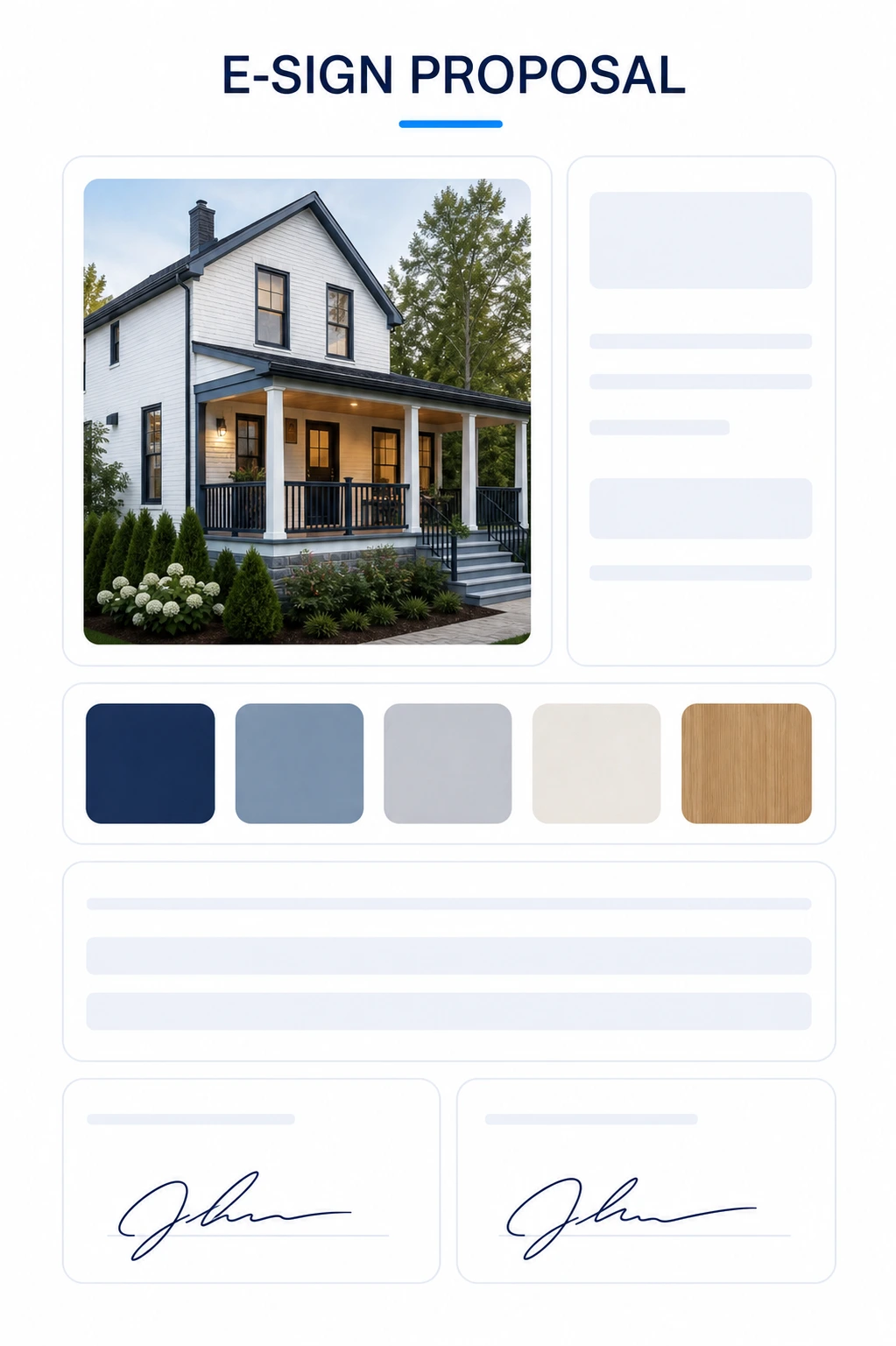
Package reviewed residential scope, pricing, renders, and details into a polished proposal with mapped signature fields and issue preflight.
- Output
- ChatGPT for Residential Construction — E-Sign Proposals standalone prompt
- Tested
- ChatGPT Work mode
- GPT Image 2
- +2
- Price
- Checking access…
Construction administration Collection
ChatGPT for Residential Construction Collection
Three contractor-first prompts for visual change orders, source-traceable estimates, and e-sign-ready proposals from simple residential project photos or plans.
- Output
- 3 linked standalone residential prompt systems
- Tested
- ChatGPT Work mode
- GPT Image 2
- +2
- Price
- Checking access…
Compare the wider task inventory on the Construction administration task page.