CollectionLow riskVersion 1.0.0New

Reer Rhino + Grasshopper Workflow Collection

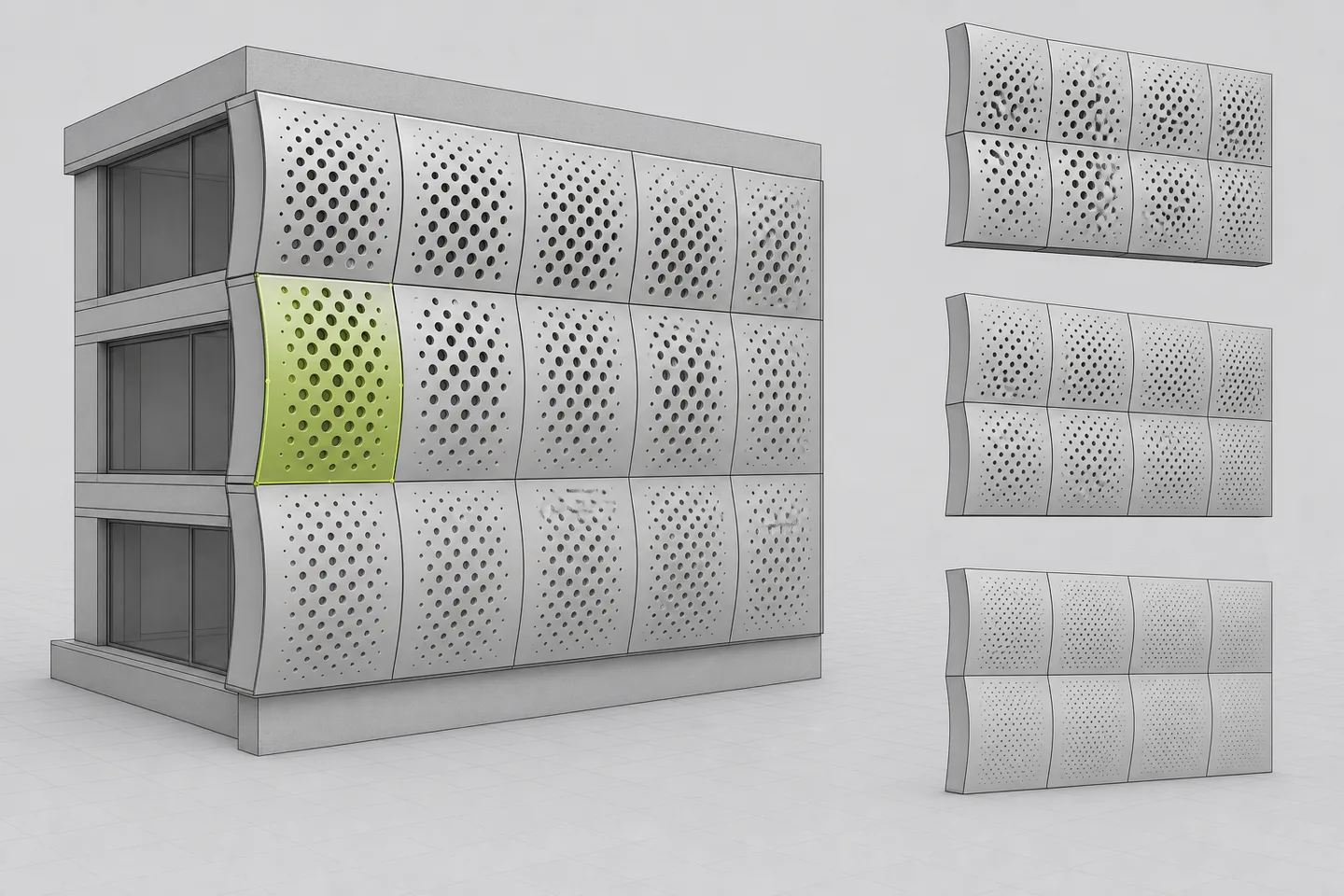
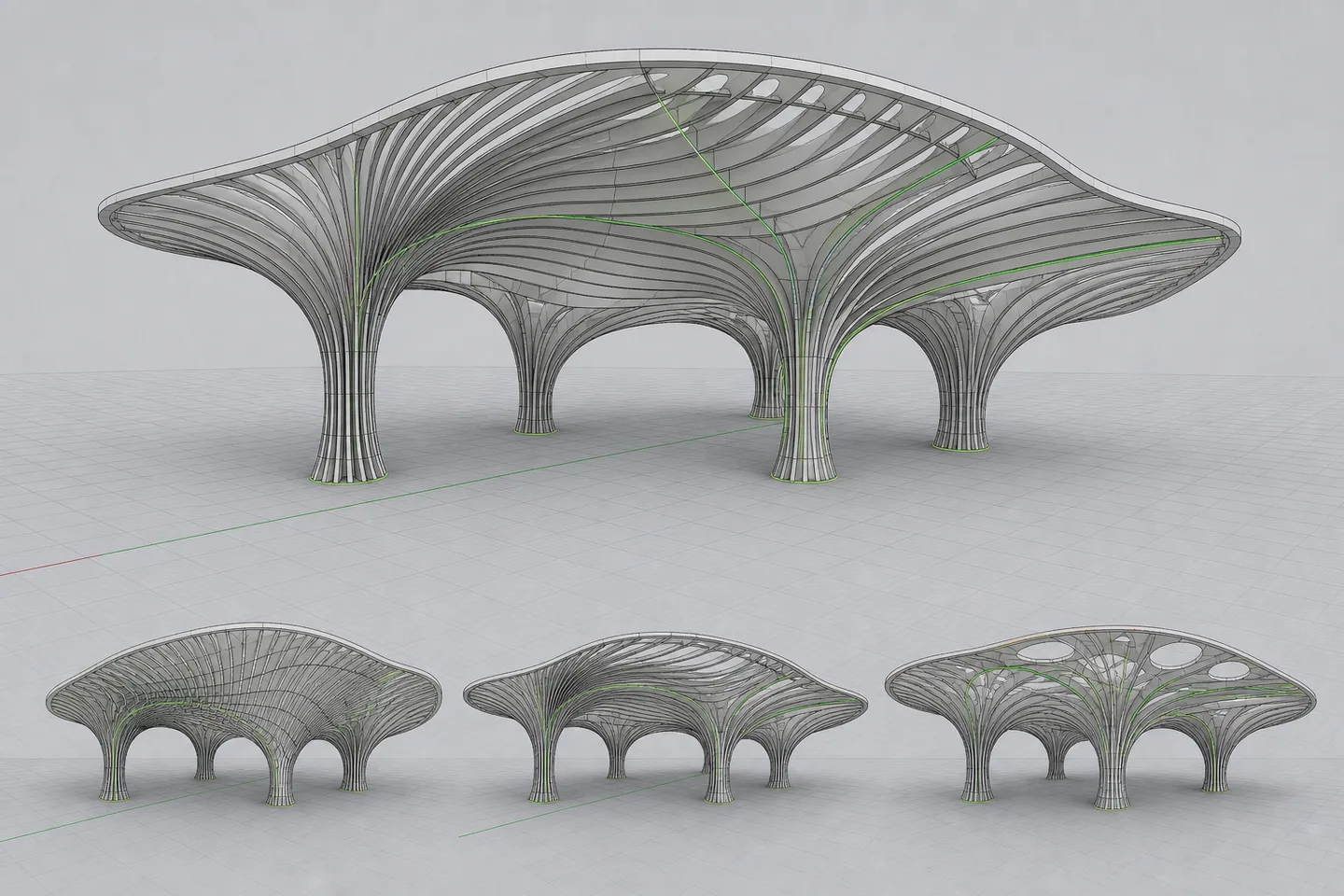
Rhino viewport showing a representative parametric pavilion generated through the Reer Rhino and Grasshopper workflow collection. Shown in Rhino as a representative output—not a guaranteed unreviewed result.

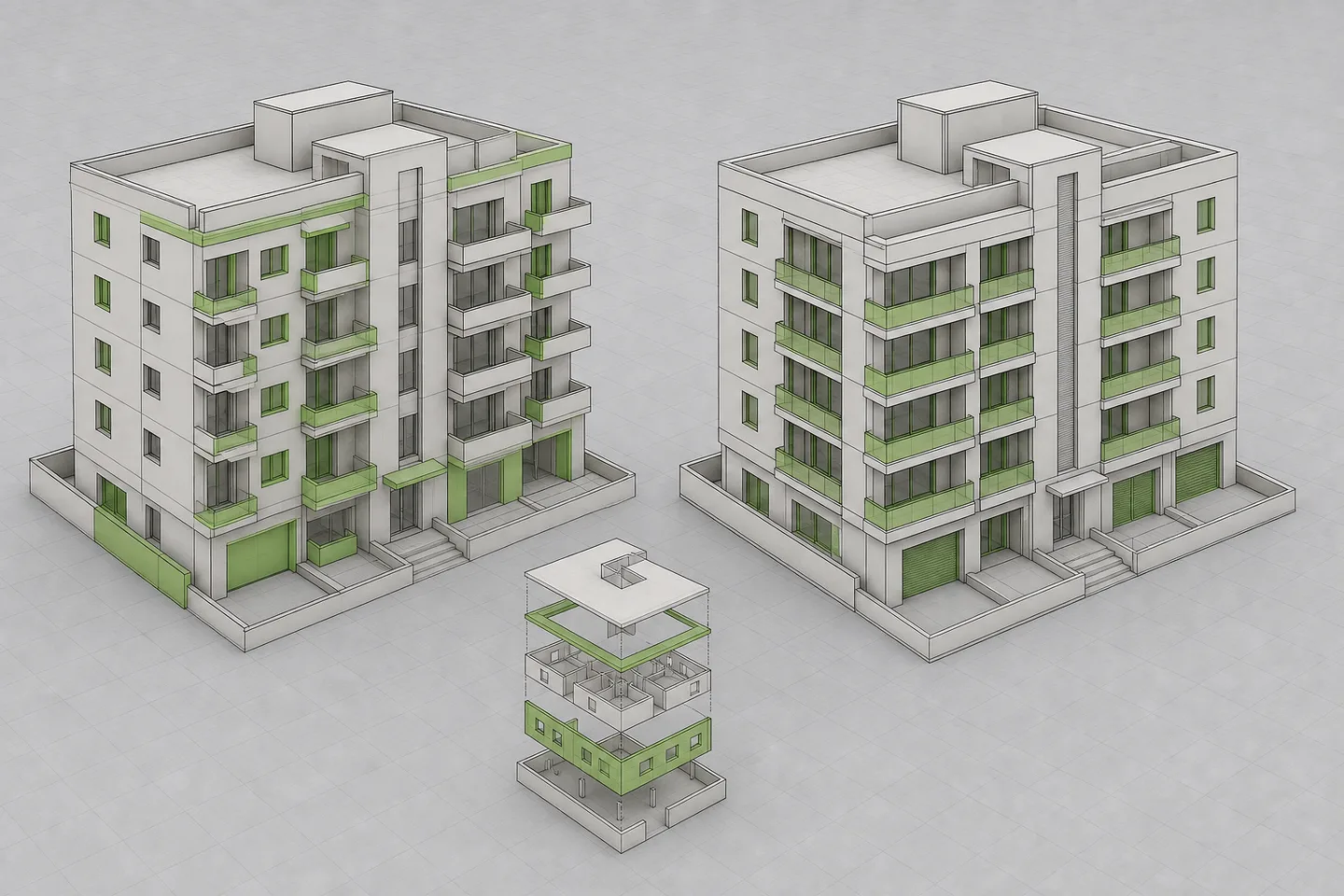
Four model-aware prompt systems for Reer's live Rhino and Grasshopper workflows: parametric cladding, clean definitions, batch edits, and synchronized visualization.

Includes 4 prompt systems. Future collection additions are included for active collection entitlements.
Section Nine · archiPrompt StudioPublished Jul 26, 2026Updated Jul 26, 2026

Required inputs

  • Open Rhino model · required
    .3dm
  • Selected Reer workflow · required
    One collection component
  • Allowed model scope and constraints · required
    Selection, dimensions, and text

Compatibility

  • Reer
  • Rhino 8
  • Grasshopper

Last tested Jul 2026

Review boundary

A qualified project owner must review the selected scope, generated geometry, saved model state, and application-specific warnings before integrating an option into project files.

01

Input → method → output

The public process and a redacted example are visible before purchase.

How to install

Purchase the workflow, drop its file into Reer, add your project-specific instruction, and review the result in Rhino.

Download Reer for Rhino
Purchase the workflow, add its file to Reer, enter a sample instruction, and review the generated Rhino deliverable.

SAMPLE INPUT

Open Rhino model + Selected Reer workflow + Allowed model scope and constraints

PROCESS PREVIEW

4 controlled steps with quality checks

EXPECTED OUTPUT

Four Reer workflow prompts + collection router + Rhino/Grasshopper outputs

Redacted output preview

Reer Rhino + Grasshopper workflow collection

Reer workflow collection · Rhino + Grasshopper

Workflows
4
Platform
Rhino
Logic
Grasshopper-ready

Model-aware routing

Each task begins with shared context, protected scope, rollback, and validation requirements before a component prompt runs.

Current capability boundary

The collection targets Reer's live Rhino and Grasshopper workflows; forthcoming Revit support is not advertised as compatible.

Four workflows · one context contract · reversible Rhino outputs

02

What it does

Four model-aware prompt systems for Reer's live Rhino and Grasshopper workflows: parametric cladding, clean definitions, batch edits, and synchronized visualization. The candidate is grounded in Reer's public Rhino and Grasshopper product language and social workflow examples, while keeping the package independent, reversible, and explicit about owner review.

Four Reer workflow prompts + collection router + Rhino/Grasshopper outputs

Designed for

  • Route common Reer tasks through a consistent model-safety contract
  • Build or repair parametric Grasshopper logic
  • Apply reversible edits to existing Rhino models
  • Create synchronized material and facade studies

03

Included files + delivery

README.mdMarkdownSetup, use, and professional boundary
COLLECTION-PROMPT.mdMarkdownPrimary workflow entry point
variables.jsonJSONInputs and output configuration
sample-input.mdMarkdownRepresentative input structure
sample-output.mdMarkdownRepresentative output structure
manifest.jsonJSONPackage contract and permissions
qa-report.jsonJSONValidation and review record

Delivered as a versioned ZIP package. After verified payment, the exact purchased version is available through the buyer's private Library.

04

Workflow steps

  1. 01

    Read model context

    Inventory the open Rhino file, selected object scope, protected layers, dependencies, and rollback state before changing anything.

    Required product access

  2. 02

    Plan the operation

    State the exact objects, parameter logic, output layers, validation checks, and saved deliverables for owner review.

  3. 03

    Build a reversible option

    Use Reer to create editable Rhino or Grasshopper output on isolated timestamped layers without overwriting the source.

  4. 04

    Validate saved state

    Reopen or inspect the saved output, compare protected geometry and counts, record parameters, and stop if any required check fails.

05

Limitations + professional safety

Low risk · human review required

A qualified project owner must review the selected scope, generated geometry, saved model state, and application-specific warnings before integrating an option into project files.

Jurisdiction: Not jurisdiction-dependent

Known limitations

  • Supports Reer's currently advertised Rhino and Grasshopper environment only
  • Revit is intentionally excluded while Reer describes it as forthcoming
  • Every generated model change requires professional owner review

06

Security + quality

Declared permissions

  • User opens and selects every model file
  • No edits outside the declared Rhino object and layer scope
  • No unapproved Grasshopper plug-in dependencies

Completion checks

  • Only one declared component runs at a time unless a sequenced plan is approved
  • Every component preserves source geometry and provides a rollback path
  • Every output includes saved-file and model-state validation
  • No Revit, partnership, endorsement, or professional approval claim is made
Package structure reviewedVersion 1.0.0Tested Jul 2026

07

Install + use

01

Download

Receive the immutable versioned ZIP package.

02

Read

Open SKILL.md or the named workflow entry point.

03

Prepare

Collect required inputs and remove sensitive data.

04

Run + review

Execute in a tested tool, then complete human review.

08

Reviews + trust

No public reviews yet

Synthetic ratings and review counts are not displayed.

Verified purchase requiredVersion-specificCreator response supported

Public reviews are withheld until the marketplace can verify purchase entitlement and support a trustworthy, version-specific review process.

09

Creator

Anonymous model coordination desk representing Section Nine

Section Nine

archiPrompt Studio

Architecture and BIM coordination · 16 years · Melbourne, Australia

Architects and BIM coordinators packaging repeatable quality-control methods for project teams.

A first-party specialization account operated and approved by archiPrompt.

View creator profile

10

FAQ + support + changelog

Is this an official Reer collection?

No. These are independent archiPrompt workflows designed around Reer's publicly described Rhino and Grasshopper environment. Reer is the source creator lead and no endorsement or partnership is implied.

Does this currently support Revit?

No. Reer currently describes Rhino as available and Revit as coming next, so this candidate does not advertise Revit compatibility.

Where do I install Reer for Rhino?

Download and install Reer for Rhino from https://www.food4rhino.com/en/app/reer-ai#downloads_list, then restart Rhino before opening the workflow.

Support

Email support for setup and documented compatibility issues

Latest changelog

v1.0.0 initial owner-generated candidate for private operator review.

Updated Jul 26, 2026
Not jurisdiction-dependent

Related workflows

Selected from shared project phases, disciplines, compatible tools, and adjacent deliverables—not generic popularity.

View all workflows
Back to browse

Privacy choices

Choose what archiPrompt measures.

Necessary

Authentication, checkout, security, and remembering this choice.

Always on

Marketing tracking and session replay are not in use. You can change this choice at any time from the site footer.