How to turn AI-generated linework into a smooth SVG
The raster and vector gates behind smooth architectural linework: weighted borders, structural nodes, straight segments, Bezier curves, and 99.5% fit.
Direct answer
Answer
Reliable SVG linework starts with a gated image that already has a continuous outer border 2.25 to 3 times the detail-line weight, then traces structural strokes into straight segments, smooth curves, shared nodes, and a separately verified outer border.
01
Gate the raster before tracing
Do not send every generated image to tracing. The source image must show a complete, unambiguous outer silhouette around each object. The border should target three times the detail-line weight and must not fall below 2.25 times it.
Reject the image before vectorization when the border disappears at an arch, merges into internal detail, changes weight abruptly, or leaves the object open.
- — Continuous outer silhouette
- — Border target 3x detail weight
- — Absolute minimum 2.25x
- — No missing outline at curves or occlusions
02
Use structural nodes and smooth curves
Trace the visual structure rather than the pixel edge. Fit straight runs as straight line segments between intentional nodes. Fit arches and organic transitions as smooth Bezier curves with aligned handles and as few nodes as the geometry allows.
Adjacent segments that represent one continuous edge must share a node. Parallel outlines should preserve spacing instead of independently following raster noise.
03
Build and verify the border separately
Generate the outer border with the same straight-segment and smooth-curve method used for internal detail, but keep it as its own closed path. A thickened copy of a jagged trace is still jagged and fails the gate.
Check for closure, duplicate segments, spikes, self-intersections, abrupt tangent changes, and visible wobble at normal viewing scale.
04
Apply the 99.5% release gate
Compare the SVG against the approved source and calculate the structural fit across silhouettes, major axes, wheel or opening geometry, and internal detail. Do not release below 99.5%. Inspect arches and long straight runs manually even after the numerical gate passes.
REVIEW BEFORE USE
Known limitations
- Vector tracing cannot reliably repair an image with a missing, broken, or ambiguous outer border; the raster must pass the image gate first.
- The 99.5% structural-fit gate measures agreement with the approved source logic and still requires visual review at joins, arches, and occlusions.
PRIMARY SOURCES
References used for this guide
These guides support Prompt evaluation and do not replace project-specific advice, code interpretation, consultant coordination, or qualified professional review.
Reviewed by archiPrompt Studio · Editorial + product review
RELATED ARCHITECTURE PRODUCTS
Put this article into practice
Design + visualization Prompt
Cycling + Micromobility Linework System
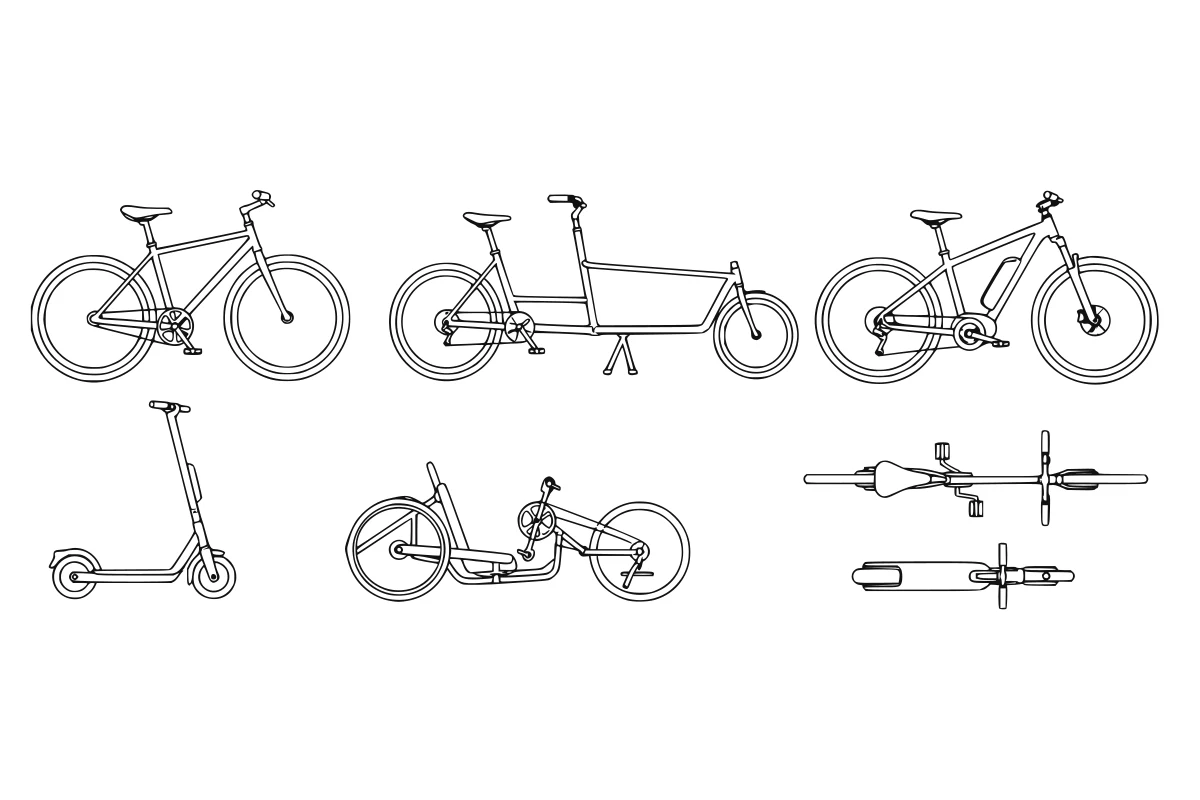
Create coordinated bicycle and micromobility linework for active-transport plans, streetscapes, and sections.
- Output
- Micromobility SVG set
- Tested
- ChatGPT
- Adobe Illustrator
- Price
- Checking access…
Design + visualization Collection
Complete Architectural Entourage Prompt Collection
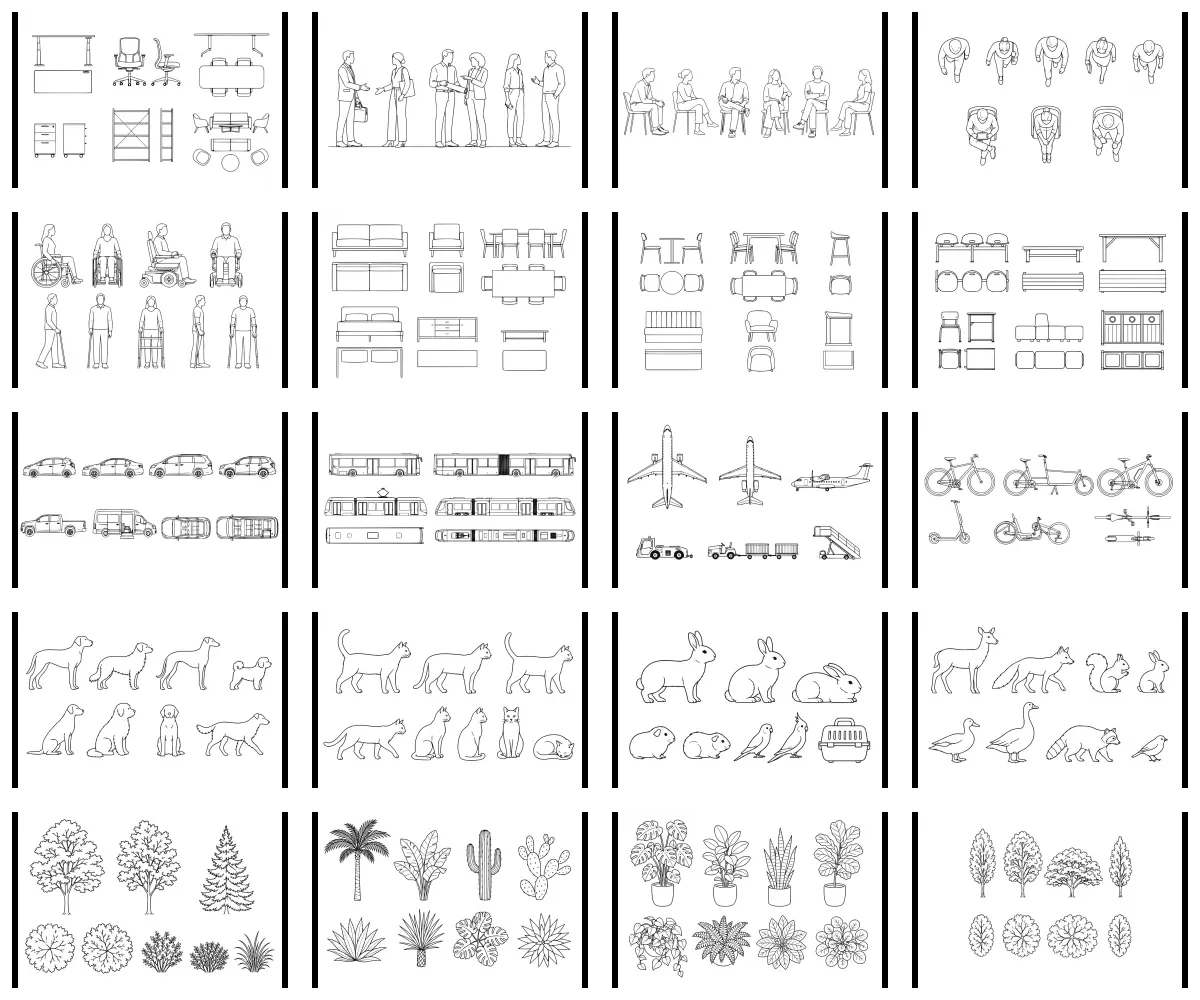
Generate people, furniture, mobility, vehicles, animals, and planting from 20 prompt-only architectural entourage systems.
- Output
- 20 architectural entourage prompt systems
- Tested
- ChatGPT
- Adobe Illustrator
- Price
- Checking access…
Compare the wider task inventory on the Design + visualization task page.