How to evaluate an architecture AI Prompt
A practical checklist for comparing architecture AI Prompts by deliverable, inputs, method, compatibility, evidence, limitations, and review responsibility.
Direct answer
Answer
Evaluate an architecture AI Prompt by the project deliverable it produces, the inputs and software it requires, the reviewable method it follows, and the decisions a qualified person must still verify.
01
Start with the deliverable
Start with the work product: a drawing review register, estimate, image set, specification outline, model operation, or another named file. The deliverable should match a real project task and arrive in a format the team can inspect, edit, and retain.
Prompt length is not a useful proxy for value. A concise package that reliably produces an editable result is more useful than a sophisticated-looking instruction that leaves the output undefined.
- — Named output and file format
- — Representative sample
- — Clear intended project phase
02
Inspect the method and inputs
Check the required source files, accepted formats, setup questions, workflow stages, completion checks, and named software. Dependencies should be visible before purchase so the buyer can tell whether the package is runnable in their environment.
For example, a drawing review Prompt should say which sheets or exports it accepts, how issues are referenced, and what fields appear in the final register.
- — Required and optional inputs
- — Visible workflow stages
- — Compatibility that has actually been tested
03
Look for testable claims
Look for a version number, testing date, quality checks, known limitations, and a human-review statement. These details establish what was tested and make later changes visible instead of silently replacing the method.
Treat a sample as evidence of the output structure, not proof that every future run will reach the same project-specific conclusion.
04
Read the professional boundary
Architectural work carries jurisdiction, coordination, commercial, and professional-responsibility limits. The package should say what remains for the project architect, contractor, consultant, or other qualified reviewer to verify.
Reject methods that hide uncertainty, invent missing project facts, or present model output as approval.
- — Known limitations
- — Human-review requirement
- — Jurisdiction and source-date limits
REVIEW BEFORE USE
Known limitations
- A strong listing can make a method inspectable, but it cannot prove that the method fits every project, jurisdiction, contract, or office standard.
- Representative outputs are examples rather than guarantees of identical results from different source material or model versions.
These guides support Prompt evaluation and do not replace project-specific advice, code interpretation, consultant coordination, or qualified professional review.
Reviewed by archiPrompt Studio · Editorial + product review
RELATED PROMPTS + AGENT SKILLS
Put this guide into practice
Documentation + QA Agent skill
Drawing Set Coordination Review
Review a PDF drawing set and produce a categorized, evidence-linked multidisciplinary coordination register.
- Output
- Issue register
- Tested
- Claude
- ChatGPT
- Adobe Acrobat
- +1
- Price
- Checking access…
Construction administration Prompt
ChatGPT for Residential Construction — Estimates
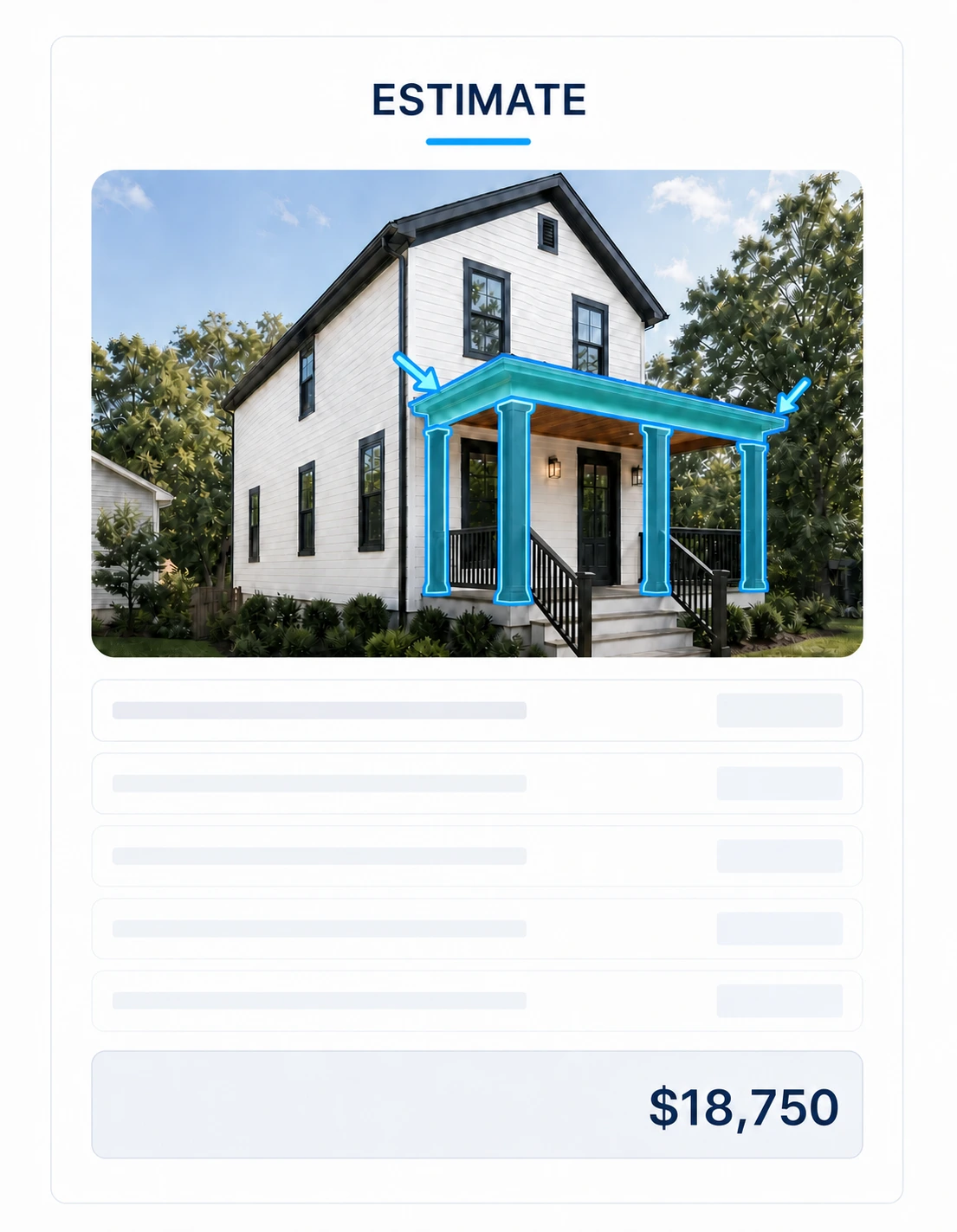
Build a source-traceable residential estimate, scope visuals, proposed render, and conceptual details from simple project photos or plans.
- Output
- ChatGPT for Residential Construction — Estimates standalone prompt
- Tested
- ChatGPT Work mode
- GPT Image 2
- +2
- Price
- Checking access…
Compare the wider task inventory on the Documentation + QA task page.